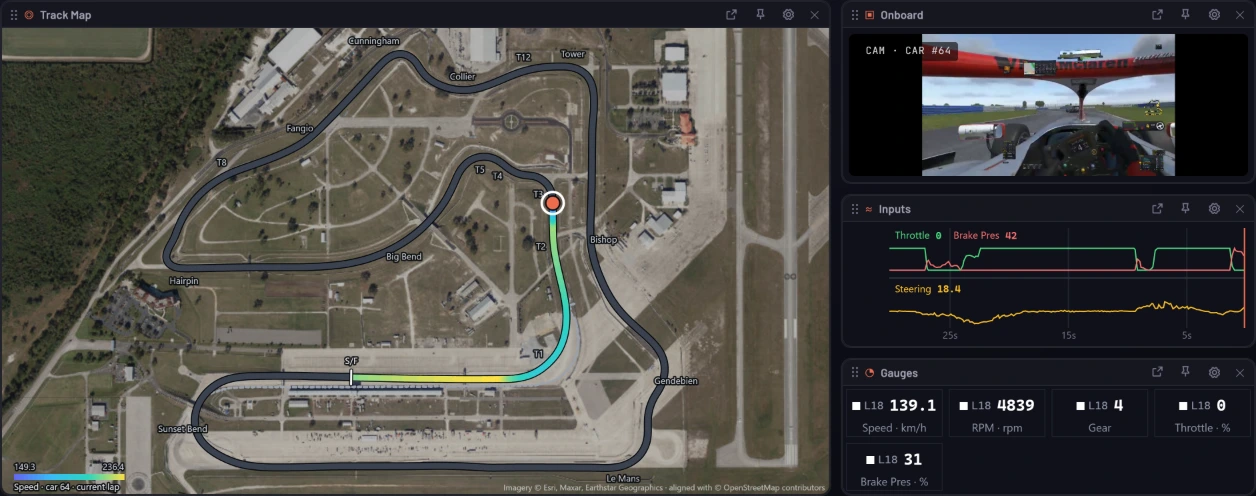
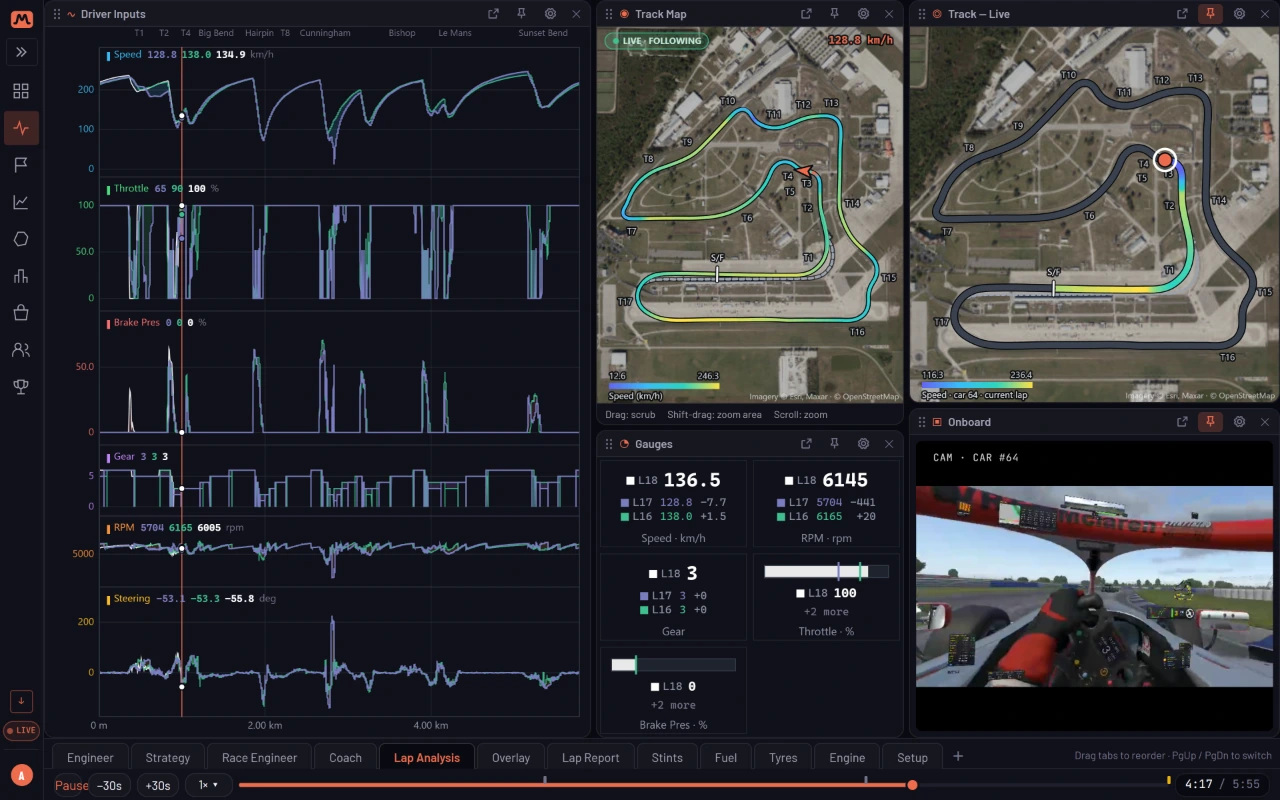
Every team car on one live wall: timing, onboard video, fuel and tyres, on whatever screens your crew has, wherever they are. Driver swaps stay one session, stints build themselves and the fuel plan updates every lap.
A timing tower with flags, relative and sector yellows, onboard video, track map, tyres and in-car settings, laid out the way your crew works.
Every team car on one wall, not just yours
Pop a panel out to its own window on another screen
Follow several sessions at once
Endurance
Strategy that knows who’s in the car
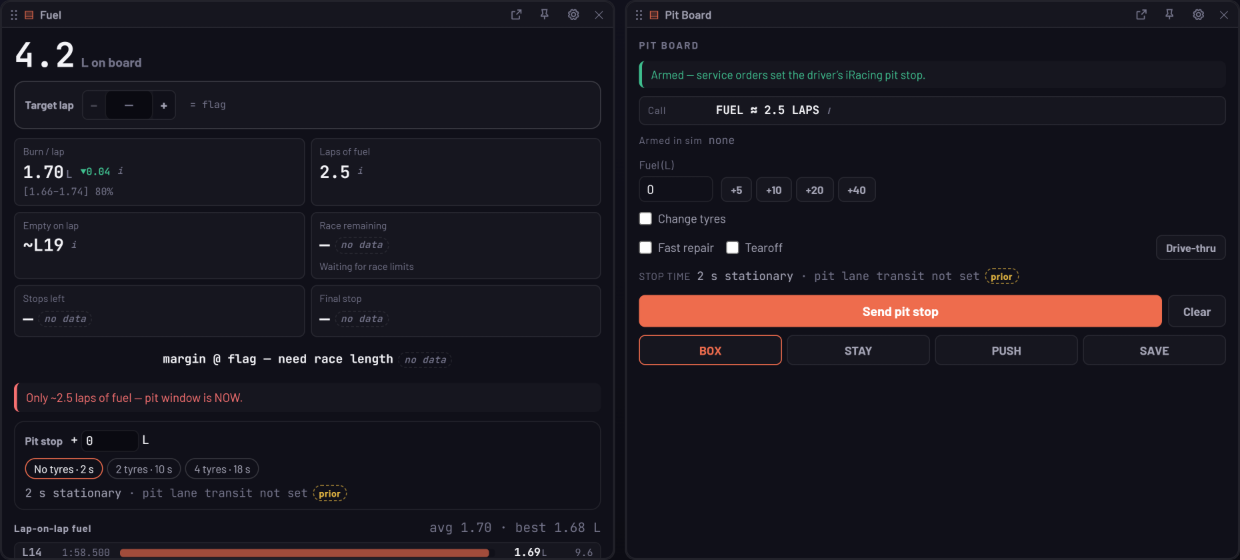
Shared-car sessions stay one session. Laps split by driver, stints build themselves, and fuel to finish, final-stop litres and save-to-skip targets update every lap.
Driver swaps detected from the sim, not typed in
A stint board and rotation planner
Send pit stops to iRacing from the wall, behind an arm switch
Crew
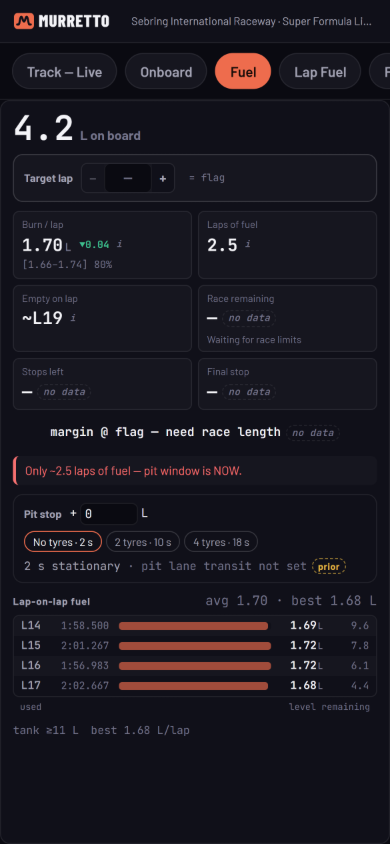
Engineer from a phone
The recorder runs beside the sim. Everyone else opens a browser: the engineer on a second monitor, the spotter on a phone, the team stream in OBS.
A phone layout, one pane at a time
Spotter links for the crew
Every team-mate’s onboard in one OBS scene
In the box
Built for the whole team
Race planning
Plan official iRacing sessions or your own events: driver availability, stints, fuel and a calendar feed.
Roles
Owner, admin, engineer, driver and spotter, with your iRacing team synced in.
Team sessions
Laps from a shared car arrive as one session, split by driver.
Shared setups
An opt-in team setup folder that mirrors to every driver’s PC.
Race alerts
Push alerts to the team’s phones, and a Live badge when a team-mate is on track.
Discord
Session reports, race write-ups, race plans and personal bests posted to your server.
Team broadcast
Every team-mate’s onboard in one multibox, ready as an OBS source.
Pit loss you can check
Measured for each track, with how sure we are shown alongside it.
Plans
Free for the crew
Live timing, spotting and teams are free. Only the drivers whose laps are recorded ever choose a plan; engineers, spotters and strategists never need one.
No. The crew watches free. Drivers record on the free tier, and only choose a plan for longer onboard video or the AI tools.
Does the crew install anything?
No. Only the drivers run the recorder on their sim PC. The crew uses a browser on any screen, from anywhere.
Which sims can take pit stops from the wall?
Sending pit stops from the wall works with iRacing. Timing, fuel and the rest of the wall work across the supported sims, with channels varying by sim.
Can we watch several cars at once?
Yes. Every team car can sit on one wall, and you can follow several sessions together.